 Guest Portal
STVR guest portal software for a better welcome.
Give guests one polished place to verify their stay, review important rules, find property information, and receive approved arrival details before they reach the door.
Guest Portal helps short-term vacation rental owners create a branded stay experience without building a custom website or repeating the same instructions before every arrival.
- Branded guest portals for each stay
- Email verification before private stay details are shown
- House and community rule acknowledgements
- Welcome information guests can find on their phone
- Owner-managed access details shown only when configured conditions are met

Guests need clear information before they arrive.
Short-term rental guests usually receive important details across booking messages, emails, attachments, screenshots, and manual replies. Arrival notes live in one place. House rules live somewhere else. Gate or parking details may be sent separately. When guests are traveling, that scattered experience creates confusion.
Guest Portal gives each stay a clean home for the information guests actually need.

A simple guest portal for the whole stay.
Create a branded welcome guide for the property, add reservation details, send the guest a private stay link, and ask the guest to verify before seeing private stay information.
Why owners use Guest Portal
- Guests can find arrival details without searching old messages
- House rules and property notes are presented in a clear, readable format
- Important acknowledgements are tied to the version the guest reviewed
- Access details are handled separately from ordinary welcome text
- The guest experience feels more polished without custom design work
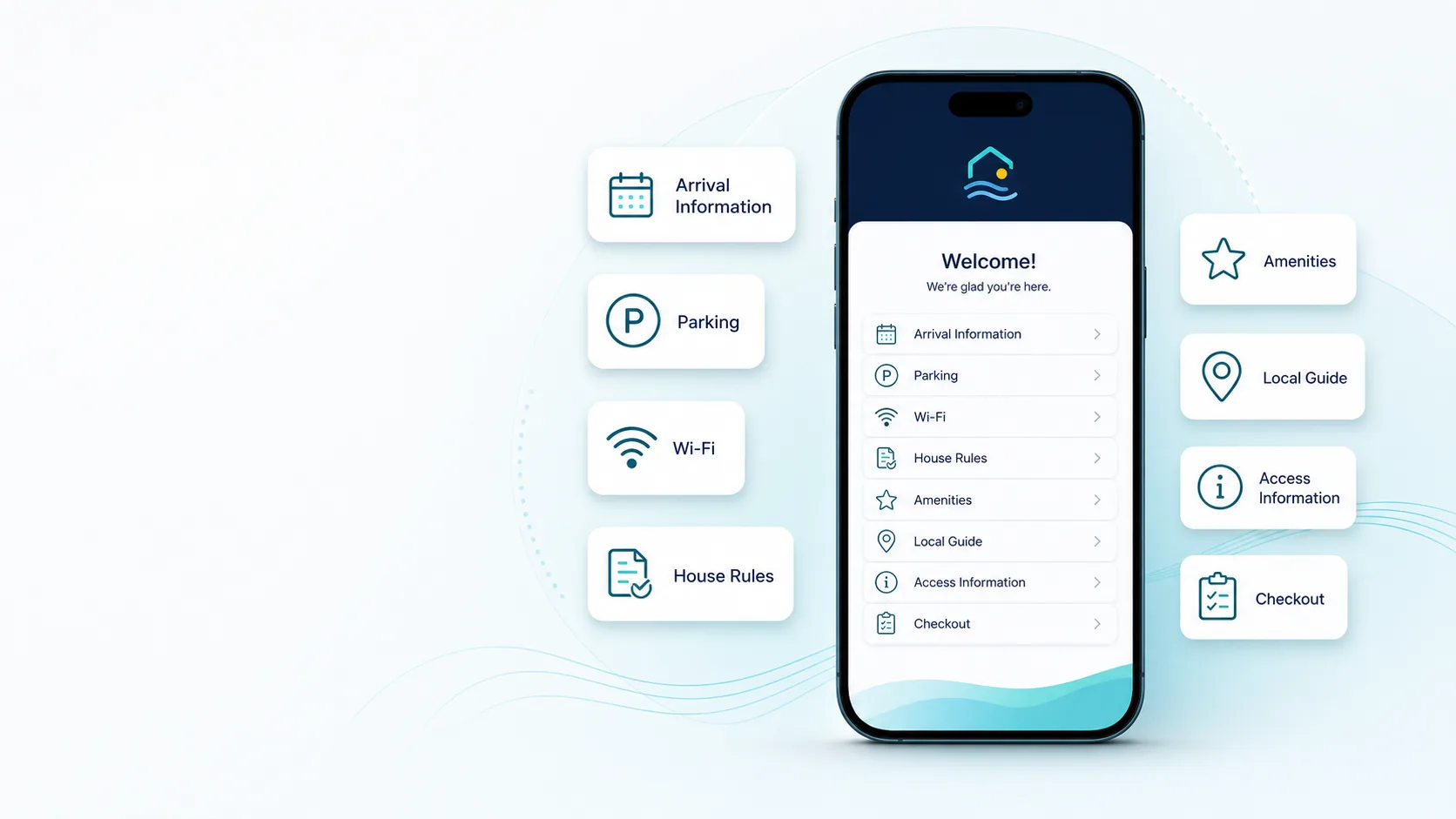
What you can set up
Five parts, each one optional until you need it.
Beautiful welcome guides
Create a clean, structured guide for the property without designing a webpage from scratch. Share arrival notes, house rules, parking details, Wi-Fi information, amenity instructions, quiet hours, and safety reminders.
Stay-specific guest portals
Each reservation can have its own private stay portal. Guests verify by email code before private stay details are shown.
Clear rule acknowledgements
Ask guests to confirm the rules or information that matters most. Guest Portal keeps a record of the exact version the guest reviewed and acknowledged.
Controlled access details
Guest Portal can store and display owner-managed access details when configured release conditions are satisfied. It does not generate codes, operate locks, or replace physical property security.
Guest invitations
Send guests a private stay link by email. Resending an invitation does not need to invalidate a link already sent.
A clearer record
Guest Portal preserves the version the guest acknowledged, so later edits to the guide do not rewrite what happened during an earlier stay.
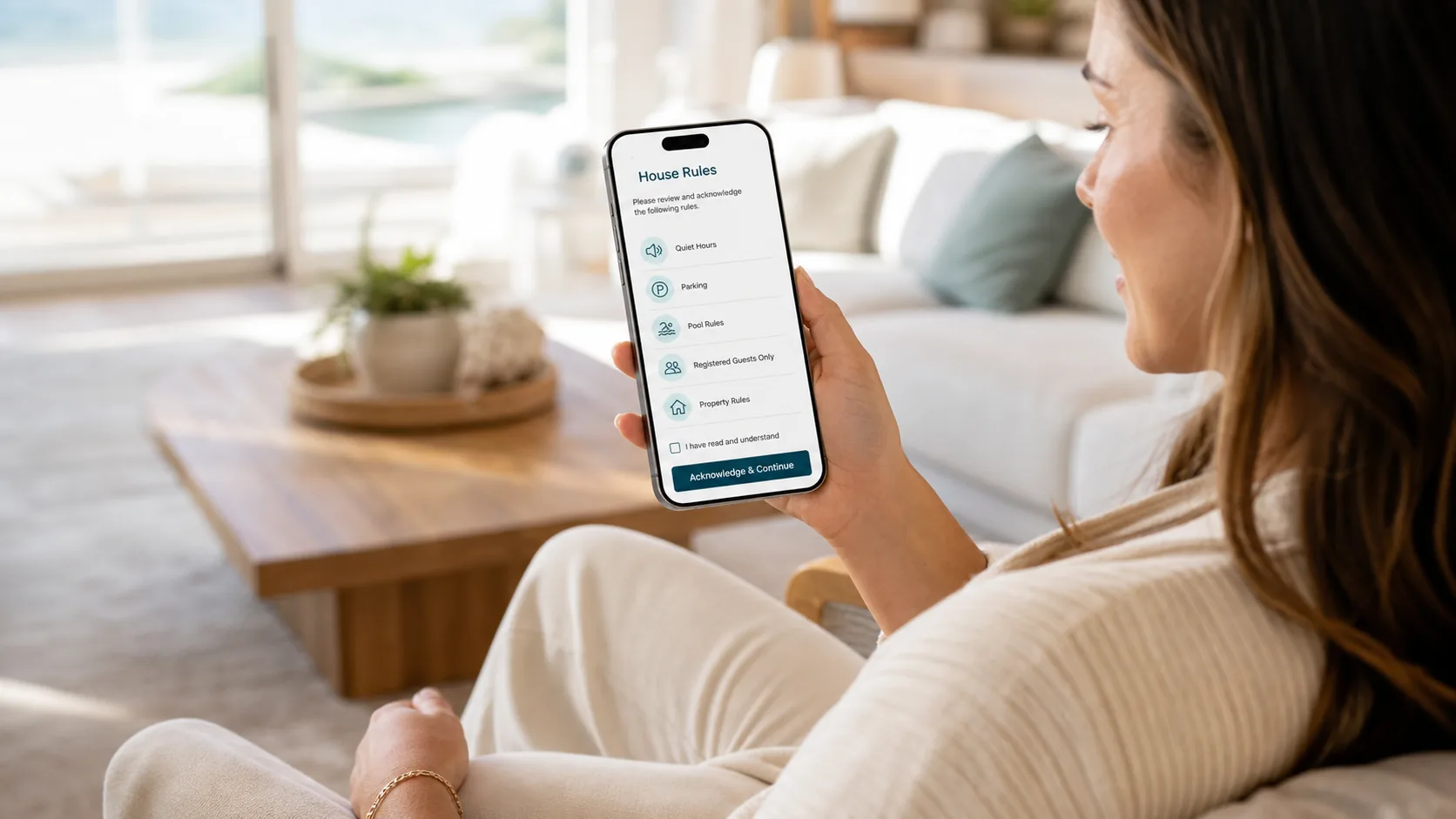
Rules the guest actually reviewed.
Owners mark the guide sections that matter most. Guests review each required item and enter their acknowledgement name.
Guest Portal records the exact version the guest saw. Editing the guide afterwards does not rewrite what happened during an earlier stay.
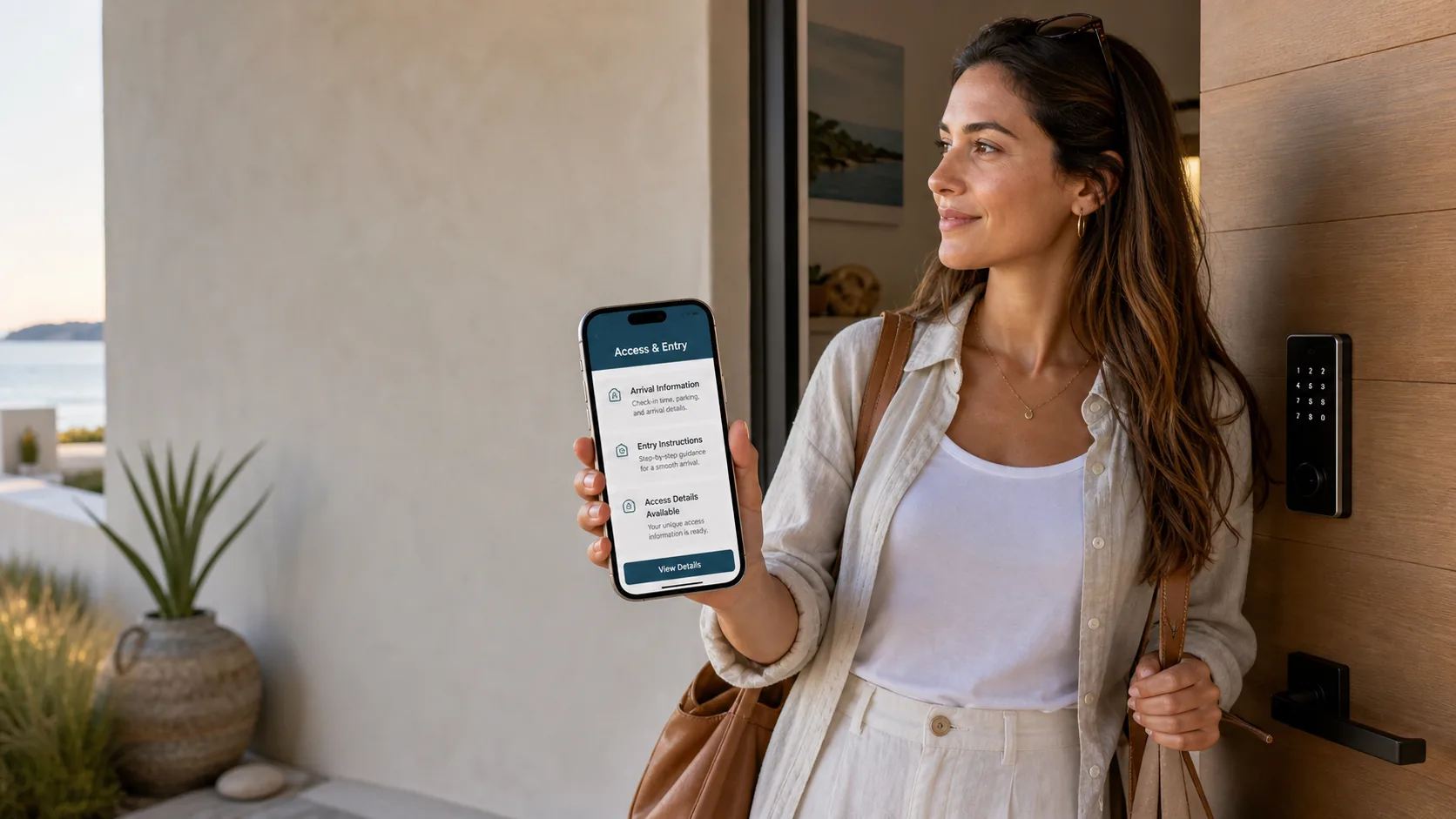
Arrival details, shown when the conditions are met.
Access details are owner-managed. Guest Portal can display them only when configured conditions are satisfied, such as guest verification, completed acknowledgements, and the property release window.
Guest Portal does not generate lock or gate codes, operate locks, control access hardware, or replace physical security practices.
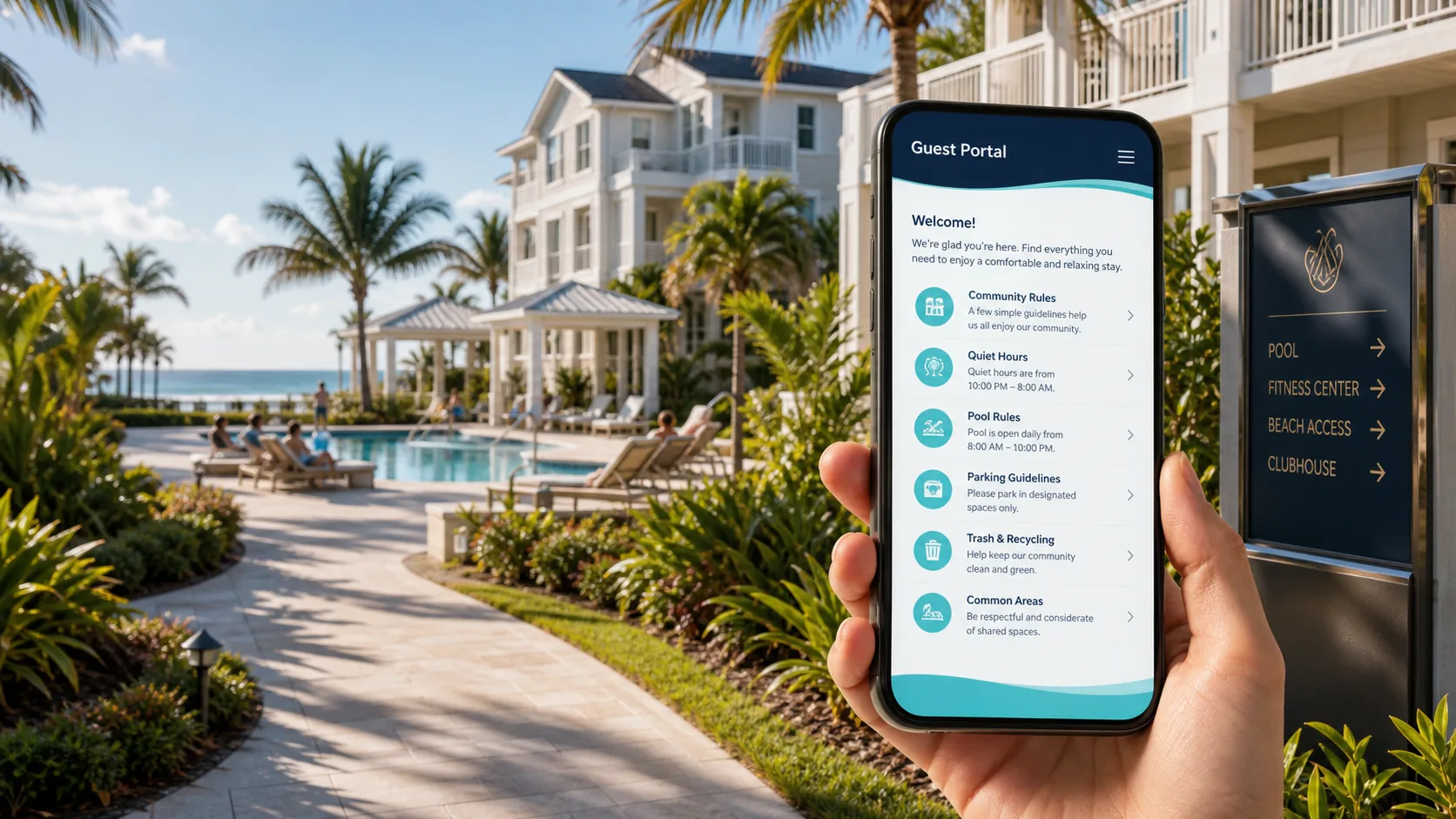
Also built for communities with short-term rentals.
For HOA, condo, and townhome communities, Guest Portal can help participating units present rules more consistently and give managers a clearer view of guest stays and acknowledgements.
Partner
Guest Portal is a Hospitable Partner.
Plenty of short-term rental owners already run their calendars and guest messaging through Hospitable. Guest Portal is a member of the Hospitable Partner Network, and a Hospitable Connect workflow is planned.
Guest Portal does not connect to Hospitable yet, and it is not listed in the Hospitable Marketplace. Today Guest Portal is owner-managed: you add the reservation and the guest email address yourself.
Not on Hospitable yet? Hosts who sign up through our Hospitable partner link receive 25% off Hospitable for their first 3 months. The discount is provided by Hospitable, not by Guest Portal.
See the Hospitable partner offer — partner link, opens in a new tab
Questions owners ask
Straight answers about what Guest Portal does, and what it deliberately does not.
Is Guest Portal a booking platform?
No. Guest Portal is not a booking platform or travel marketplace. It helps owners and managers present stay information after a reservation exists.
Who is Guest Portal for?
Guest Portal is primarily for short-term rental homeowners, vacation-rental owners, suite owners, condo owners, and townhome owners who want a polished guest portal without building a website. It can also support HOA, condo, and townhome managers working with participating rental units.
Does Guest Portal manage my rental?
No. Guest Portal is software. It does not manage properties, communicate with guests on your behalf beyond configured product messages, enforce rules, provide emergency response, inspect properties, or handle bookings.
Does Guest Portal manage HOAs or enforce community rules?
No. Guest Portal can help present community rules and record guest acknowledgements, but managers and owners remain responsible for rule accuracy, legal authority, enforcement, safety, and operations.
Does Guest Portal integrate with Airbnb, Vrbo, Hospitable, OwnerRez, PMS tools, or smart locks?
Not today. Guest Portal is a member of the Hospitable Partner Network and a Hospitable Connect workflow is planned, but it is not built yet and Guest Portal is not listed in the Hospitable Marketplace. Everything else — Airbnb, Vrbo, OwnerRez, other PMS tools and smart locks — has no integration either. Guest Portal is owner-managed today: you add the reservation and the guest email address. We will only describe an integration publicly once it is confirmed, built, tested, and released.
Does Guest Portal generate lock or gate codes?
No. Guest Portal does not generate codes, operate locks, or control access hardware. Owners provide and manage access details. Guest Portal can display those details when configured release conditions are satisfied.
Can guests acknowledge house rules or HOA rules?
Yes. Owners or managers can mark important guide sections as requiring acknowledgement. Guests review each required item and enter their acknowledgement name. Owners and managers are responsible for making sure their rules are accurate, lawful, complete, and appropriate.
Does acknowledgement guarantee that a guest will follow the rules?
No. Guest Portal helps present information clearly and preserve acknowledgement records, but it cannot guarantee that a guest will read, understand, remember, or follow any rule.
Does Guest Portal replace booking-platform messages?
No. Owners should continue using any messages, notices, or disclosures required by booking platforms, laws, HOA rules, or guest expectations.
Does Guest Portal provide legal or compliance advice?
No. Guest Portal does not provide legal, tax, insurance, accessibility, safety, HOA, or compliance advice.
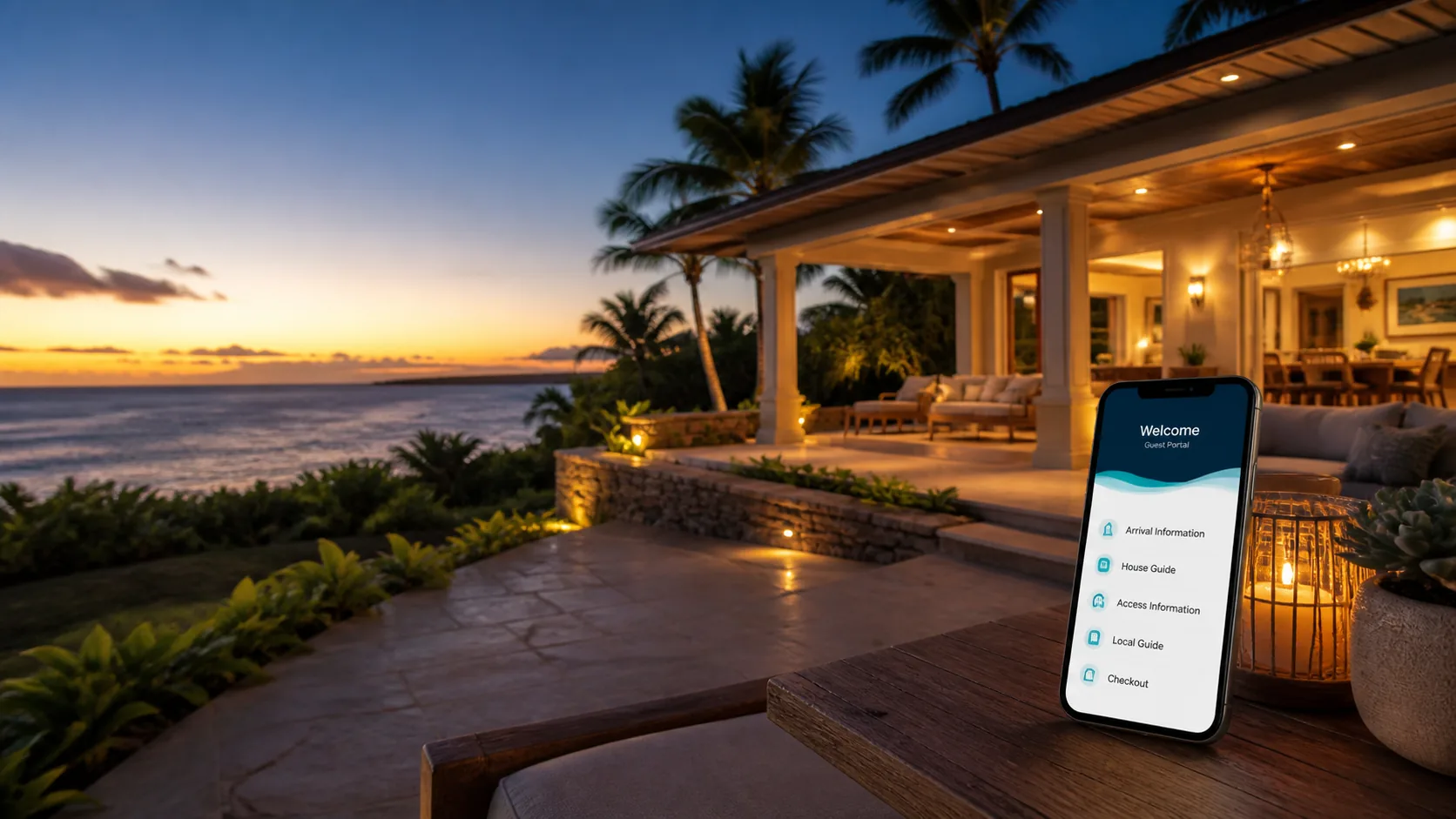
Make every arrival feel more prepared.
Give guests one beautiful place to find the details they need, and give yourself a clearer record of what they were asked to review.