 Guest Portal
From property details to verified guest access.
Guest Portal keeps the guest journey simple: publish the guide, send the stay link, verify the guest, collect acknowledgements, and display approved access details when allowed.

Eight steps, start to finish
Most of them happen once per property. Only the last four repeat per stay.
Create the property
Add the property, unit, suite, condo, or townhome details.
Build the welcome guide
Write the information guests need before and during the stay.
Choose required acknowledgements
Select the rules or sections guests must acknowledge.
Add the reservation
Enter the stay details and guest email address.
Send the invitation
Guest Portal emails the guest a private stay link.
Guest verifies by email code
The guest confirms access through the email address associated with the stay.
Guest reviews and acknowledges
The guest reviews required items and enters their acknowledgement name.
Access details are displayed when allowed
Owner-managed access information appears only when configured release conditions are satisfied.
What the guest sees
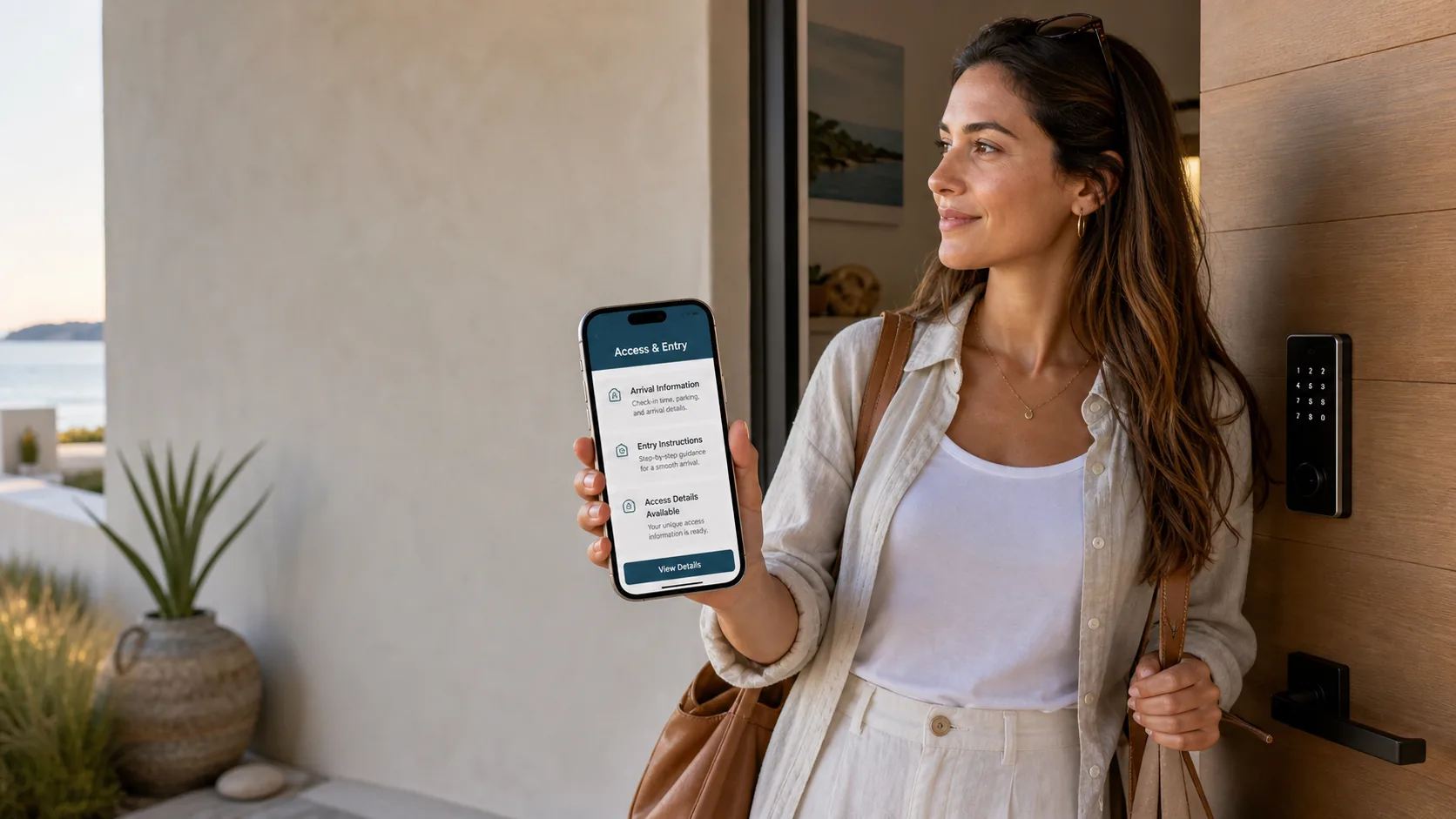
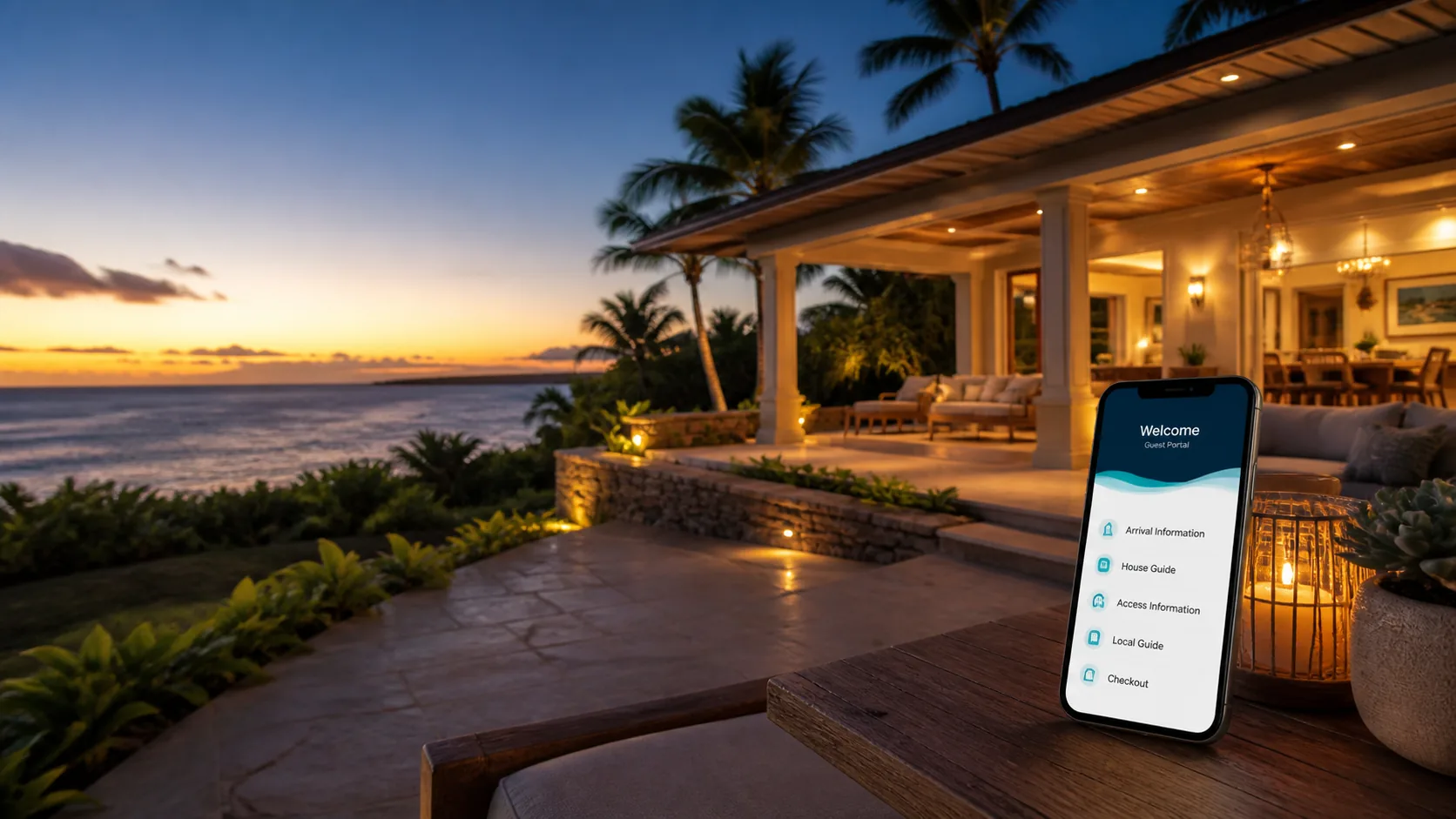
A private page for their stay: dates, property information, the items they need to acknowledge, and — once the conditions are satisfied — the arrival and access details the owner provided.
Before verification, the page reveals only limited stay information.
Common questions
Straight answers about what Guest Portal does, and what it deliberately does not.
Is Guest Portal a booking platform?
No. Guest Portal is not a booking platform or travel marketplace. It helps owners and managers present stay information after a reservation exists.
Who is Guest Portal for?
Guest Portal is primarily for short-term rental homeowners, vacation-rental owners, suite owners, condo owners, and townhome owners who want a polished guest portal without building a website. It can also support HOA, condo, and townhome managers working with participating rental units.
Does Guest Portal manage my rental?
No. Guest Portal is software. It does not manage properties, communicate with guests on your behalf beyond configured product messages, enforce rules, provide emergency response, inspect properties, or handle bookings.
Does Guest Portal manage HOAs or enforce community rules?
No. Guest Portal can help present community rules and record guest acknowledgements, but managers and owners remain responsible for rule accuracy, legal authority, enforcement, safety, and operations.
Does Guest Portal integrate with Airbnb, Vrbo, Hospitable, OwnerRez, PMS tools, or smart locks?
Not today. Guest Portal is a member of the Hospitable Partner Network and a Hospitable Connect workflow is planned, but it is not built yet and Guest Portal is not listed in the Hospitable Marketplace. Everything else — Airbnb, Vrbo, OwnerRez, other PMS tools and smart locks — has no integration either. Guest Portal is owner-managed today: you add the reservation and the guest email address. We will only describe an integration publicly once it is confirmed, built, tested, and released.
Does Guest Portal generate lock or gate codes?
No. Guest Portal does not generate codes, operate locks, or control access hardware. Owners provide and manage access details. Guest Portal can display those details when configured release conditions are satisfied.
Ready to see it with your own property?
Guest Portal is in a limited pilot. Get in touch and we will walk you through it — or look at a working example first.